Settings

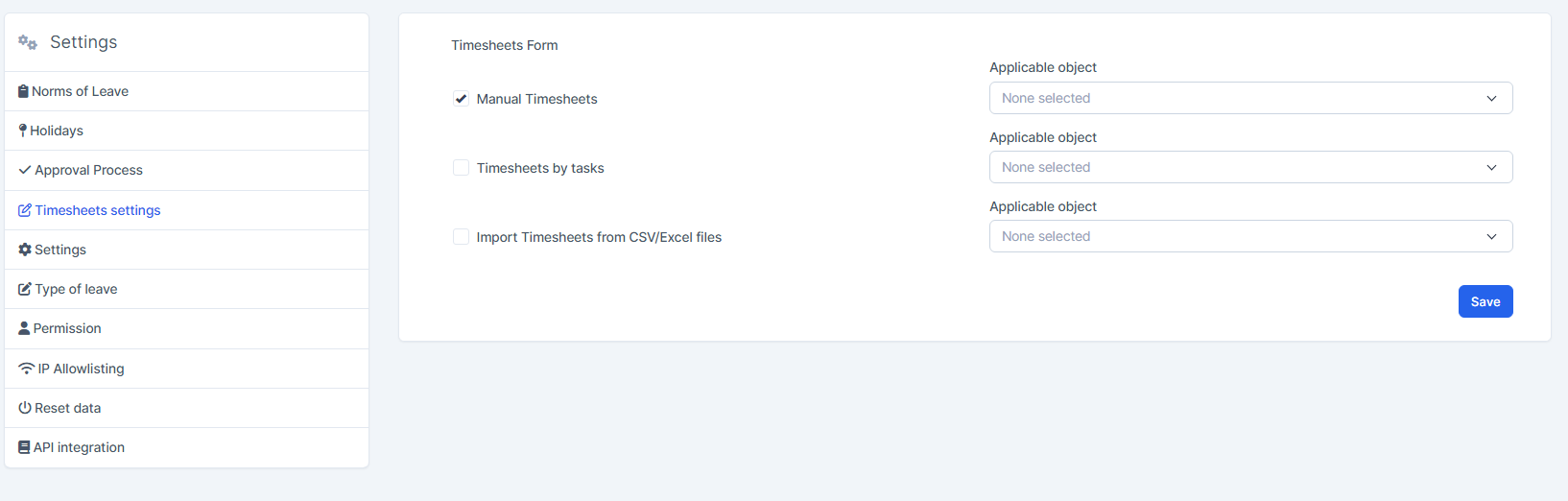
       Setting timekeeping according to Manual or Task or import csv/xlsx file and select the roles to apply this timekeeping type. Only one type of timekeeping is used at a time.
download (24)
     
    Step 1. Select the timesheets form: Manual TImesheets, TImesheets by tassks, Import Timesheets from CSV/Excel files
    Step 2. Select the applicable object: it is the role.
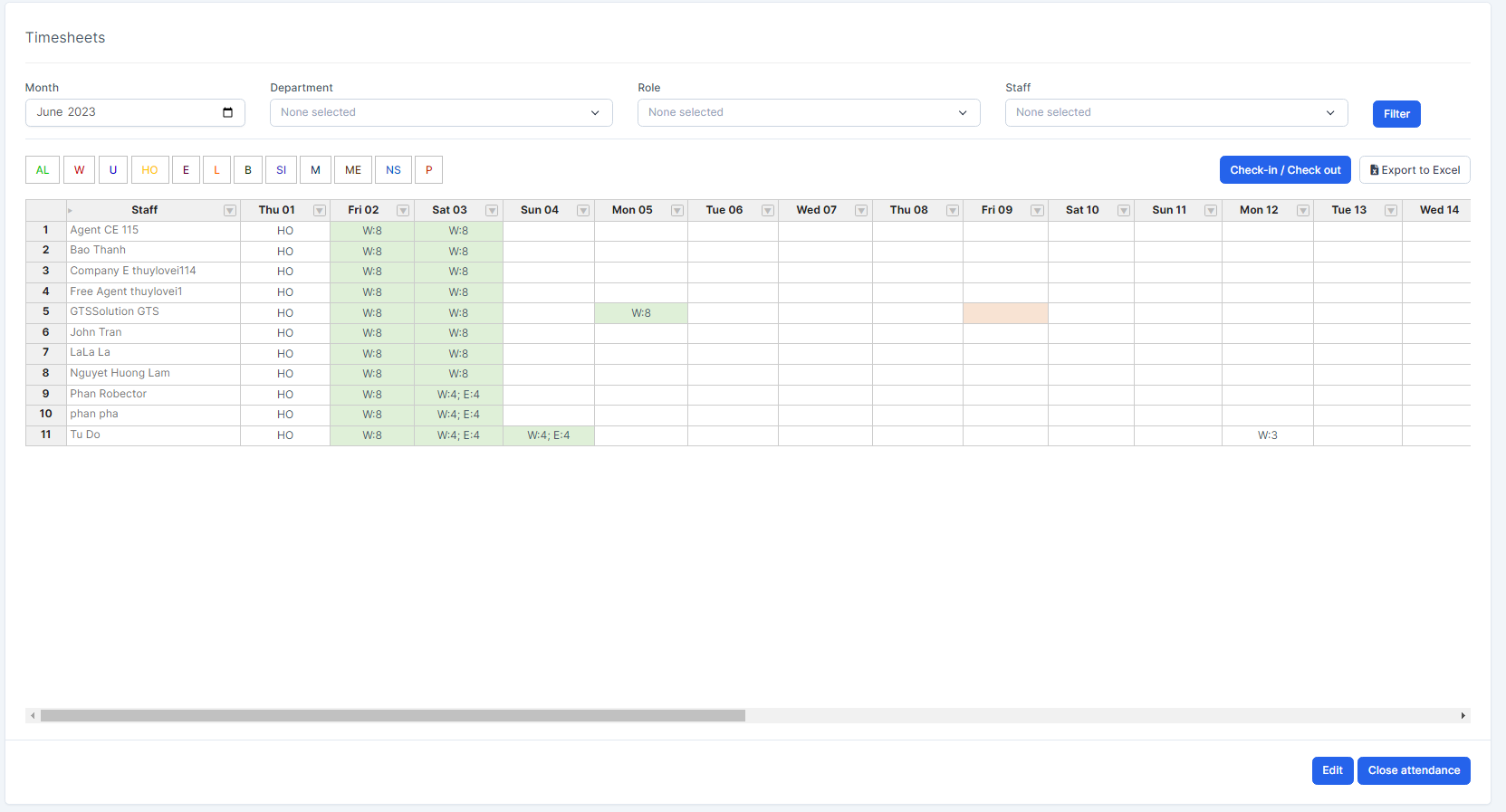
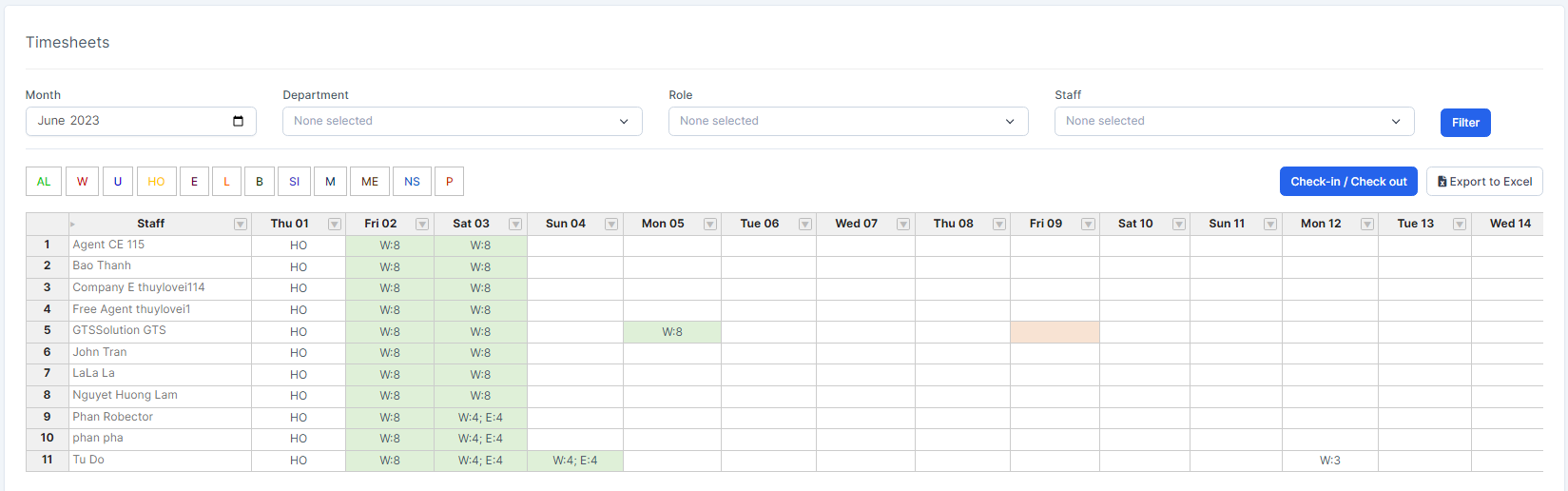
  • In case the timesheets form is selected as Manual Timesheets => Attendance page will display the Check-in/ Check-out button. You can check-in/check-out by work route, work place or check-in/check-out by QR code.
download (25)

Administrator View

download (26)
     
  • In case the timesheets form is selected as Timesheet by tasks => calculate the working hours when the employee is timekeeping by entering the timesheet in the task.
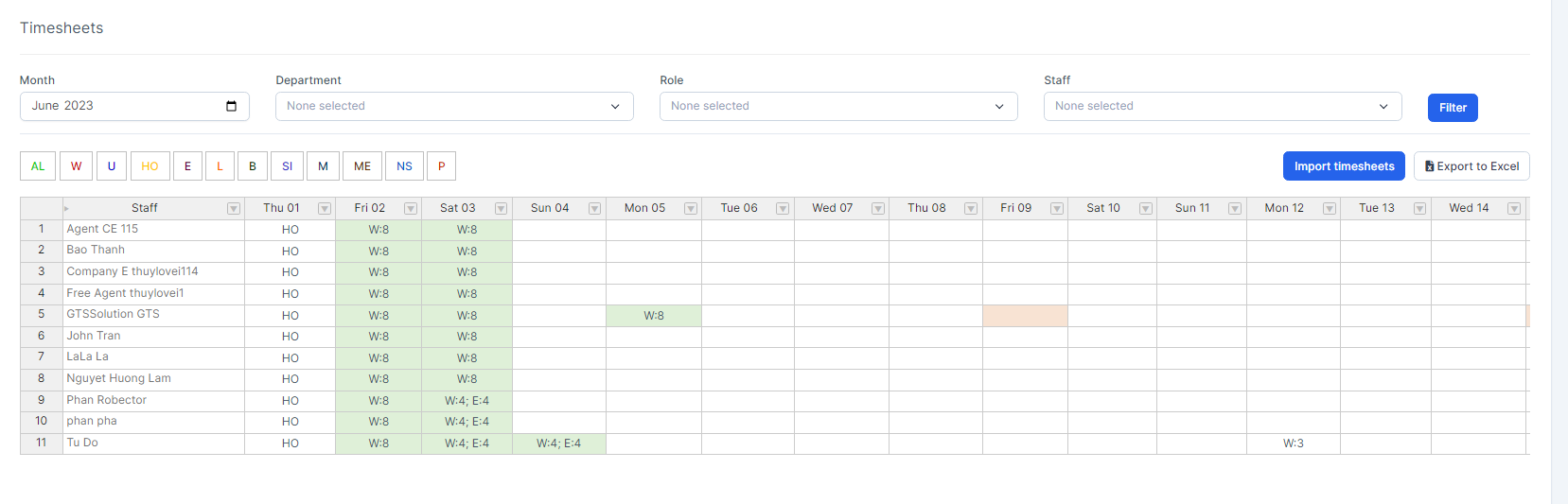
  • In case the timesheets form is selected as Import Timesheets from csv/ Excel files => Attendance page will display the Import timesheets button. 
download (27)